Creating a dedicated workspace at home that promotes productivity and comfort can make a significant difference in your work-from-home experience. Whether you’re new to remote work or looking to improve your current setup, designing a home office optimized for focus and ease is essential. In this post, we’ll explore practical tips to help you craft a workspace that supports your professional goals and personal well-being.
Why a Productive Home Office Matters
Working from home offers flexibility but also comes with distractions and challenges. A thoughtfully arranged office space can help you separate work from leisure, reduce interruptions, and increase your output. Comfort plays a key role in sustaining energy and avoiding strain, which in turn improves your overall focus.
Choose the Right Location
Find a Dedicated Space
If possible, choose a room or corner in your home exclusively for work. This area should be free from heavy foot traffic and household noise. A separate space signals your brain to switch into work mode and helps others in your home respect your working hours.
Consider Natural Light
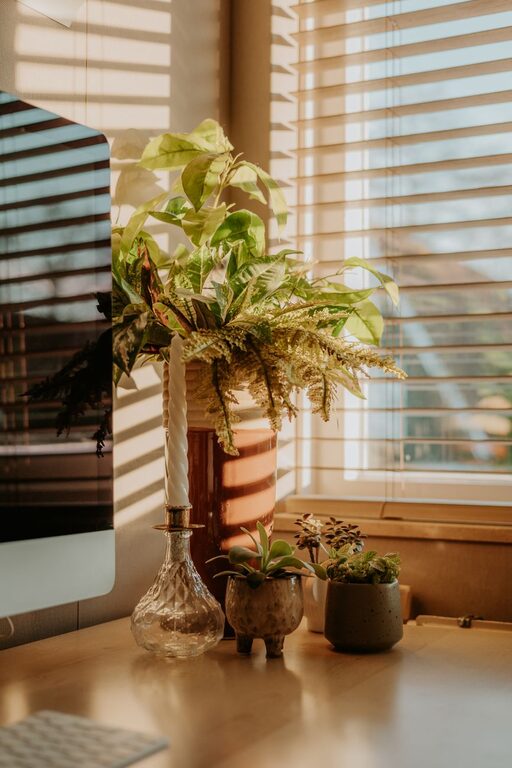
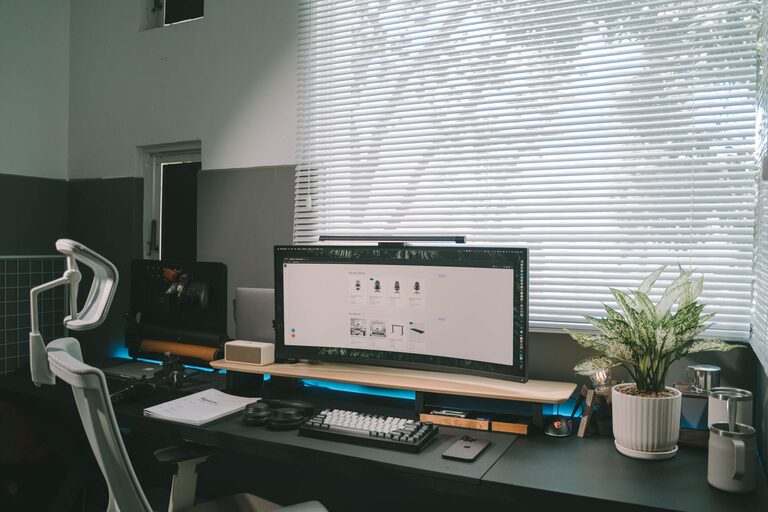
Position your desk near a window to benefit from natural daylight. Natural light helps improve mood and alertness. Avoid harsh glare on your screen by positioning the desk so that sunlight comes from the side rather than directly in front or behind.
Invest in Functional Furniture
Ergonomic Chair and Desk
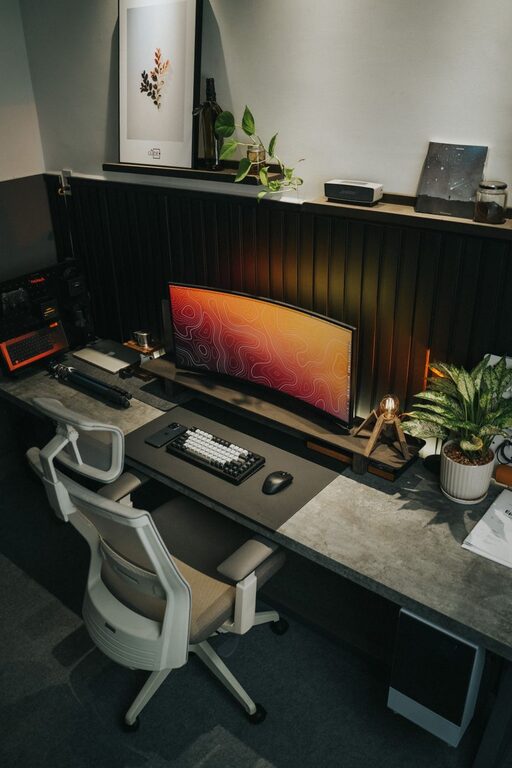
Comfort is key to working productively for long hours. Choose an ergonomic chair with lumbar support that promotes good posture. Your desk height should allow your forearms to rest parallel to the floor when typing.
Adjustable Equipment
Consider adjustable desks or monitor stands to customize your setup. This flexibility helps reduce neck and back strain by ensuring your monitor is at eye level and your wrists are comfortably aligned.
Organize Efficiently
Declutter Your Desktop
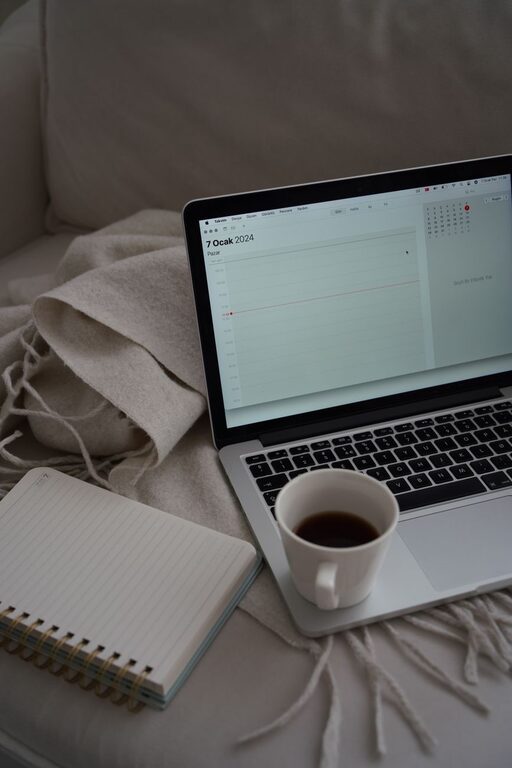
A tidy desk reduces distractions and mental clutter. Only keep essential items like your computer, notepad, and a few writing tools within easy reach. Store other supplies in drawers or shelves.
Use Storage Solutions
Utilize shelves, filing cabinets, or organizers to keep documents and materials in order. Label files and containers to easily locate items and maintain a clean environment.
Optimize Technology and Tools
Reliable Equipment
Ensure your computer, printer, and internet connection are reliable to avoid technical disruptions. Keep cables organized with clips or sleeves to prevent tangles.
Essential Accessories
Invest in accessories like a quality headset for calls, a mouse pad with wrist support, and a good keyboard. Small upgrades can significantly improve comfort and productivity.
Create a Comfortable Atmosphere
Control Temperature and Airflow
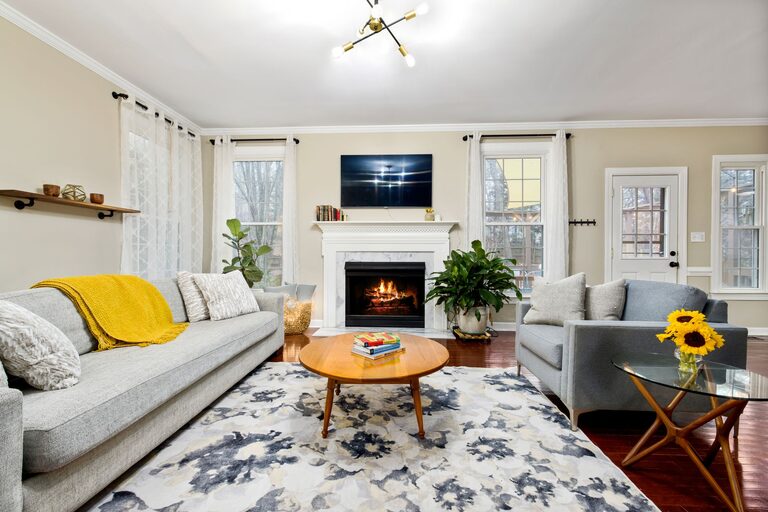
Maintain a room temperature that feels comfortable, ideally between 68°F and 72°F. Use fans or portable heaters if needed. Fresh air helps keep you alert, so consider opening windows regularly.
Add Personal Touches
Incorporate elements like plants, artwork, or motivational quotes to make your space inviting. Plants can improve air quality and add a calming presence.
Minimize Distractions
Establish Boundaries
Communicate your work hours to family and friends to minimize interruptions. Use noise-cancelling headphones if background noise is unavoidable.
Limit Digital Interruptions
Turn off non-essential notifications on your devices. Use website blockers or focus apps to help maintain concentration during work sessions.
Schedule Breaks and Movement
Follow the 20-20-20 Rule
Every 20 minutes, take a 20-second break and look at something 20 feet away to reduce eye strain.
Incorporate Stretching
Stand up and stretch or walk for a few minutes every hour. Movement keeps blood flowing and helps maintain energy levels.
Maintain a Routine
Establish consistent start and end times for your workday. Structure your tasks and prioritize your to-do list daily. A routine supports productivity and work-life balance.
—
Designing a productive home office takes time and experimentation. Start by making small changes and adjust your space according to what helps you focus best and feel comfortable. With the right environment, you can create a home workspace that boosts your efficiency and makes remote work an enjoyable experience.
About the Author