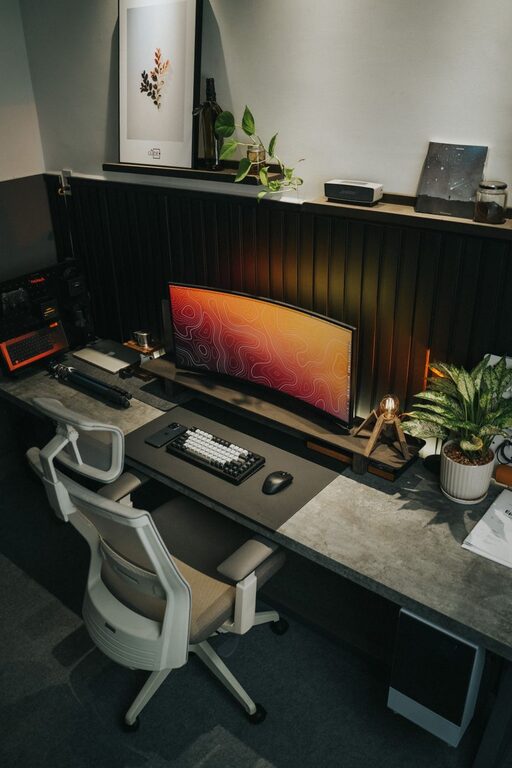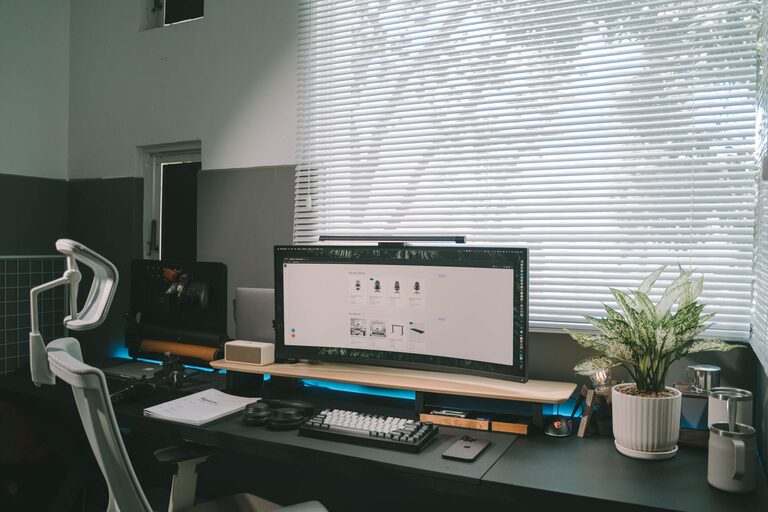
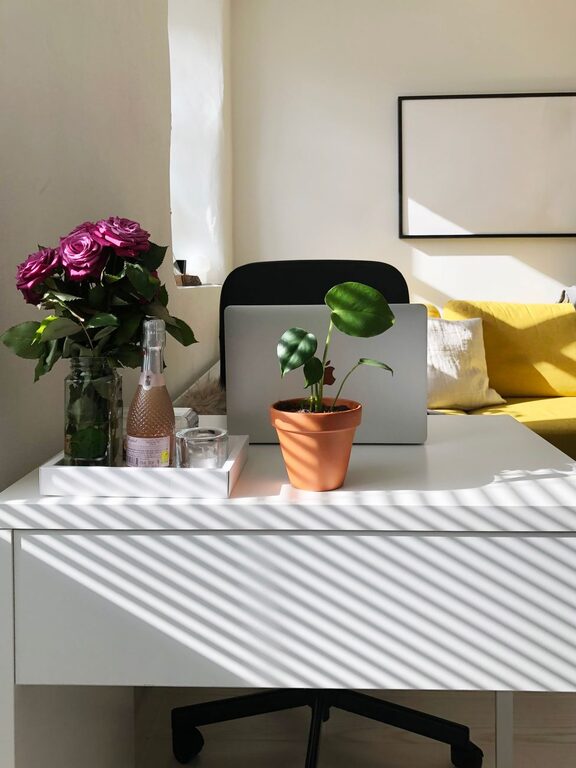
Creating a home workspace that is both cozy and productive can significantly enhance your work-from-home experience. Whether you’re tackling daily tasks, attending virtual meetings, or pursuing creative projects, a thoughtfully designed workspace can help you stay focused and comfortable. Here are some practical tips to help you build an inviting and efficient home office that supports your best work.
Choose the Right Location
Find a Quiet Spot
Selecting a quiet area free from distractions is important for maintaining concentration. Ideally, pick a corner or room where noise and foot traffic are minimal.
Consider Natural Light
Natural light can boost mood and reduce eye strain. Position your desk near a window if possible. If not, make sure to have good quality lighting that mimics natural daylight.
Invest in Comfortable Furniture
Ergonomic Chair
A chair that supports good posture prevents back and neck pain. Look for adjustable chairs with lumbar support to fit your body comfortably.
Suitable Desk
Choose a desk with enough surface space for your computer, notes, and other essentials. Standing desks or adjustable height desks can add flexibility and promote movement.
Organize for Efficiency
Declutter Regularly
Keep your workspace tidy by removing unneeded items. A clutter-free desk helps reduce stress and distractions.
Use Storage Solutions
Shelves, drawers, and organizers can keep supplies within arm’s reach while maintaining a clean space. Label storage containers to find things quickly.
Digital Organization
Keep your computer files, emails, and digital tools organized for quick access. Use folders, calendars, and task management apps to stay on top of your work.
Add Cozy Elements
Soft Textures
Incorporate soft cushions, rugs, or throws to make the space feel inviting and warmer.
Personal Touches
Add items that inspire or calm you, such as plants, photos, or art. These can create a positive atmosphere without causing distractions.
Control Temperature
Ensure your workspace is comfortably warm or cool. A small fan, heater, or adjustable thermostat can help keep your comfort level steady.
Optimize Lighting
Layered Lighting
Use a combination of overhead lights, task lamps, and ambient lighting to create a balanced environment.
Avoid Glare
Position screens and lights to reduce glare on your monitor, which can cause eye strain.
Manage Noise Levels
Use Noise-Canceling Headphones
If background noise is an issue, noise-canceling headphones can improve focus.
White Noise or Soft Music
Playing gentle background sounds can help some people concentrate better.
Incorporate Movement and Breaks
Take Regular Breaks
Stand, stretch, or walk every hour to avoid stiffness and improve circulation.
Use a Standing Desk
Switching between sitting and standing can boost energy and reduce fatigue.
Set Boundaries
Define Work Hours
Keep a consistent schedule to balance work and personal life.
Separate Workspace from Living Space
Try not to blur the lines between work and relaxation areas to maintain clear boundaries.
Keep Technology Up-to-Date
Reliable Internet
Ensure you have a strong and stable internet connection to avoid disruptions.
Functional Equipment
Use reliable hardware and accessories, such as keyboards, mice, and webcams, to streamline your workflow.
Final Thoughts
Creating a home workspace that feels both cozy and productive involves intentional choices around location, comfort, organization, and atmosphere. With these tips, you can design an environment that supports your health and effectiveness. Remember, your workspace should be a place where you feel relaxed yet motivated, tailored to your personal needs and work habits. Happy decorating and working!
About the Author